 cmail
Get cmail
cmail
Get cmail
The AI-first email client
AI sorts your inbox.
You clear it, a group at a time.
In cmail, AI reads every email. It puts each one with the mail it belongs with, marks what still needs you, and goes back to relabel older emails when a new one changes the story. You tell it how, in plain English.
Email chris@chrismaximin.com to get it
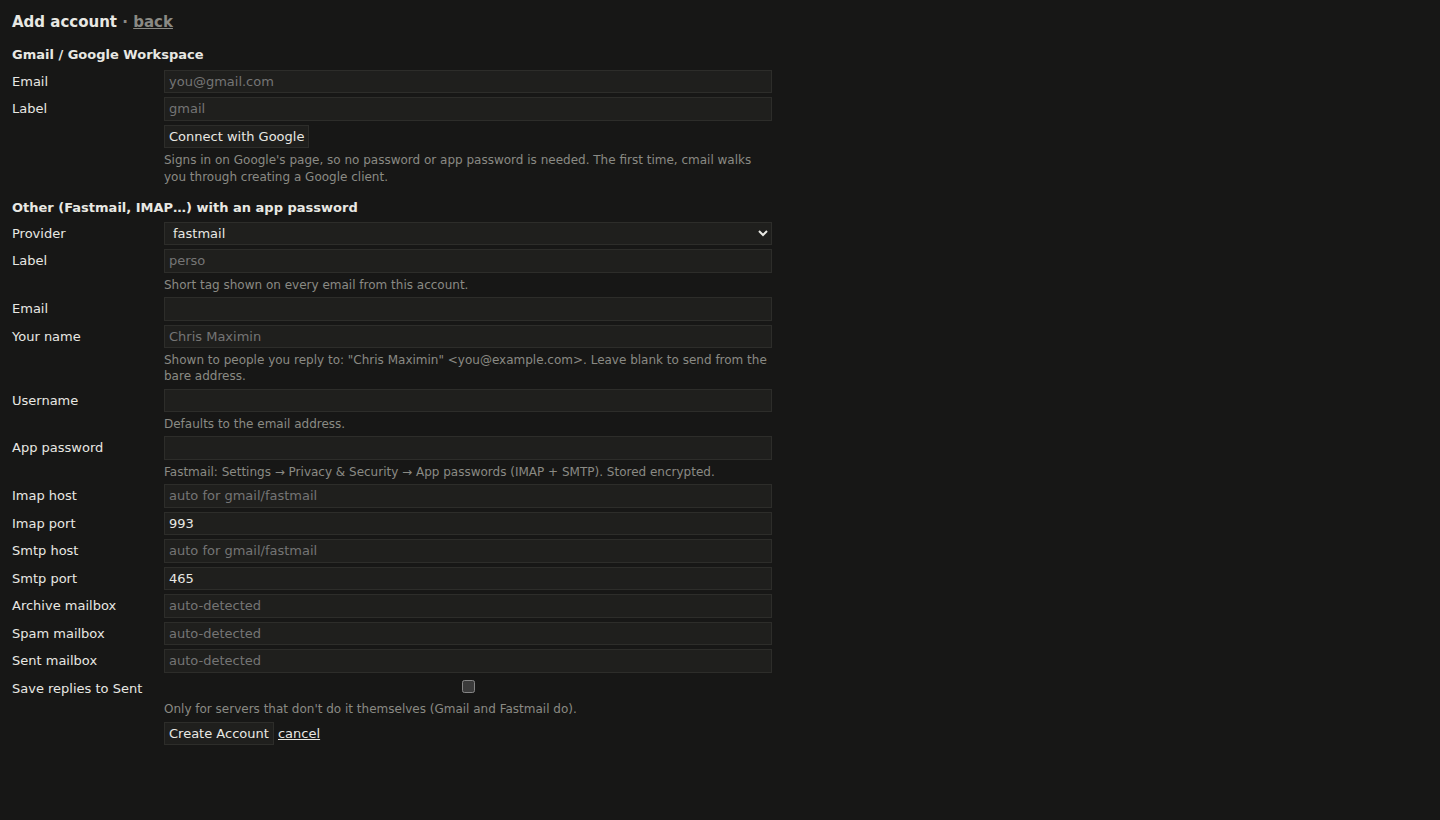
Gmail, Google Workspace, Fastmail and any IMAP account · runs on your Mac or Linux machine
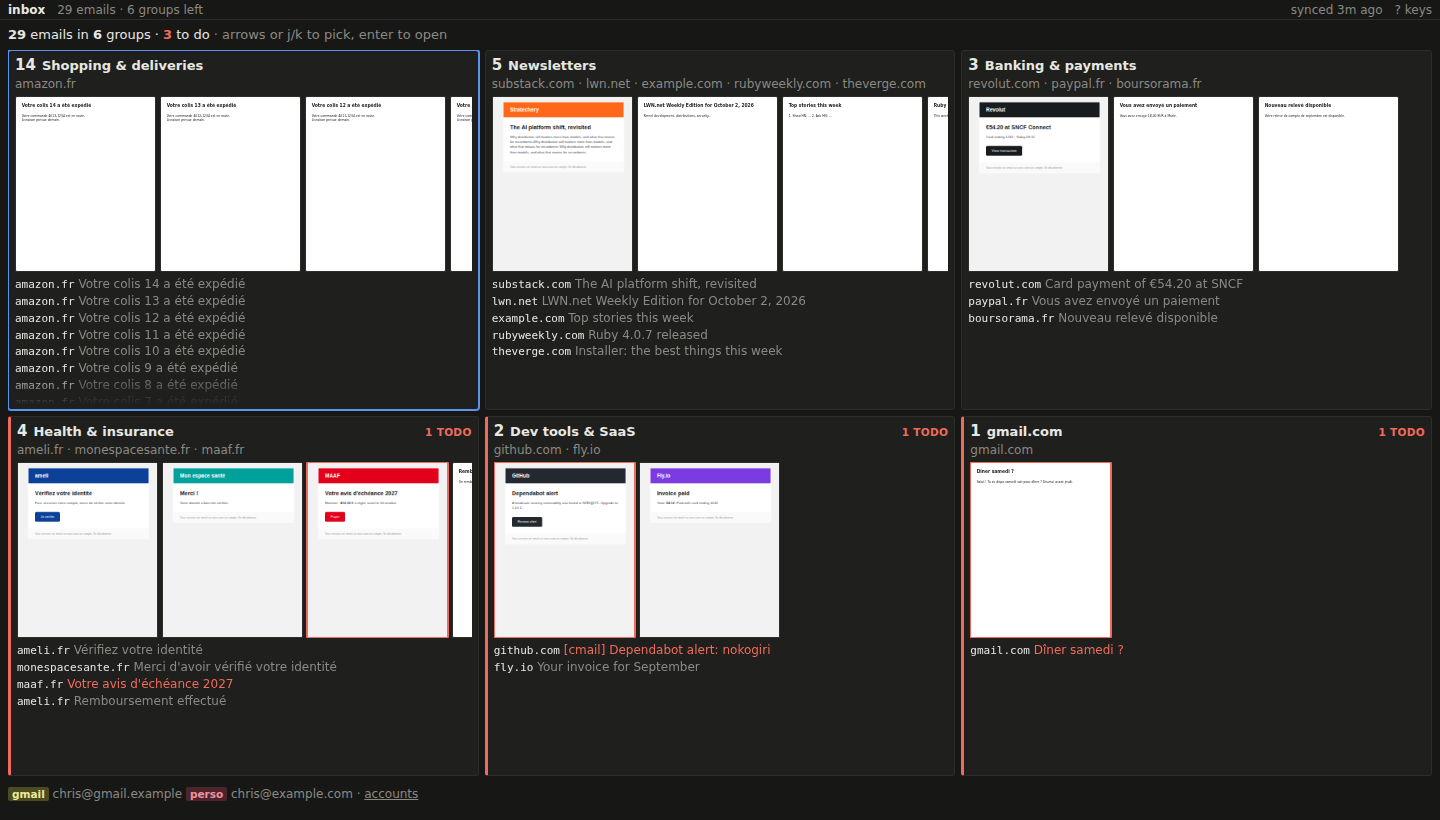
Forward and backward in time
Labels that stay true as your mail moves on
Other clients label an email once and forget it. cmail's AI looks again whenever something changes: when new mail arrives, it re-reads the whole group, oldest first, and relabels what came before.
-
1 Oct An email arrives
Verify your identity
Verify identity on insurer.com before 12 Oct
AI files it under Health & insurance and makes it a to-do.
-
4 Oct Another sender, same story
Thanks for verifying your identity
Different sender, same topic: it joins Health & insurance.
-
4 Oct …and the past is relabeled
Verify your identityVerified, see 4 Oct confirmation
The 1 Oct to-do is done. Archive the group with one key.
-
Forward
Every new email is read within seconds of landing. It's grouped by what it's about, not just who sent it, and checked for what it asks of you. Mail a real person wrote goes to People, at the top.
-
Backward
Each arrival can settle older mail. An invoice is done when its receipt comes in, and “your parcel is delayed” is settled by “delivered”. Each label comes with a note saying why.
-
All over again
Changed your mind about how mail should be grouped? Re-group the whole inbox from scratch, old mail included, as if your new rules had always been there.
Your rules, in plain English
No filters to maintain. Just say what you want.
There are no folders, filter rules or labels to set up. cmail has two boxes where you write how you see your mail, in plain sentences. They're added to the AI's instructions and win over its defaults.
New mail follows them right away. One button applies them to everything already in your inbox: re-group rebuilds every group, and re-check to-dos reconsiders every email.
How to group
Keep GitHub notifications apart from other dev tools.
Never mix emails from different people.
One group for all newsletters, whatever their subject.
SaveSave and re-group
What is a to-do
Invoices that are paid by direct debit are not to-dos.
Anything from my accountant is a to-do until I reply.
GitHub review requests are to-dos; CI failures are not.
SaveSave and re-check to-dos
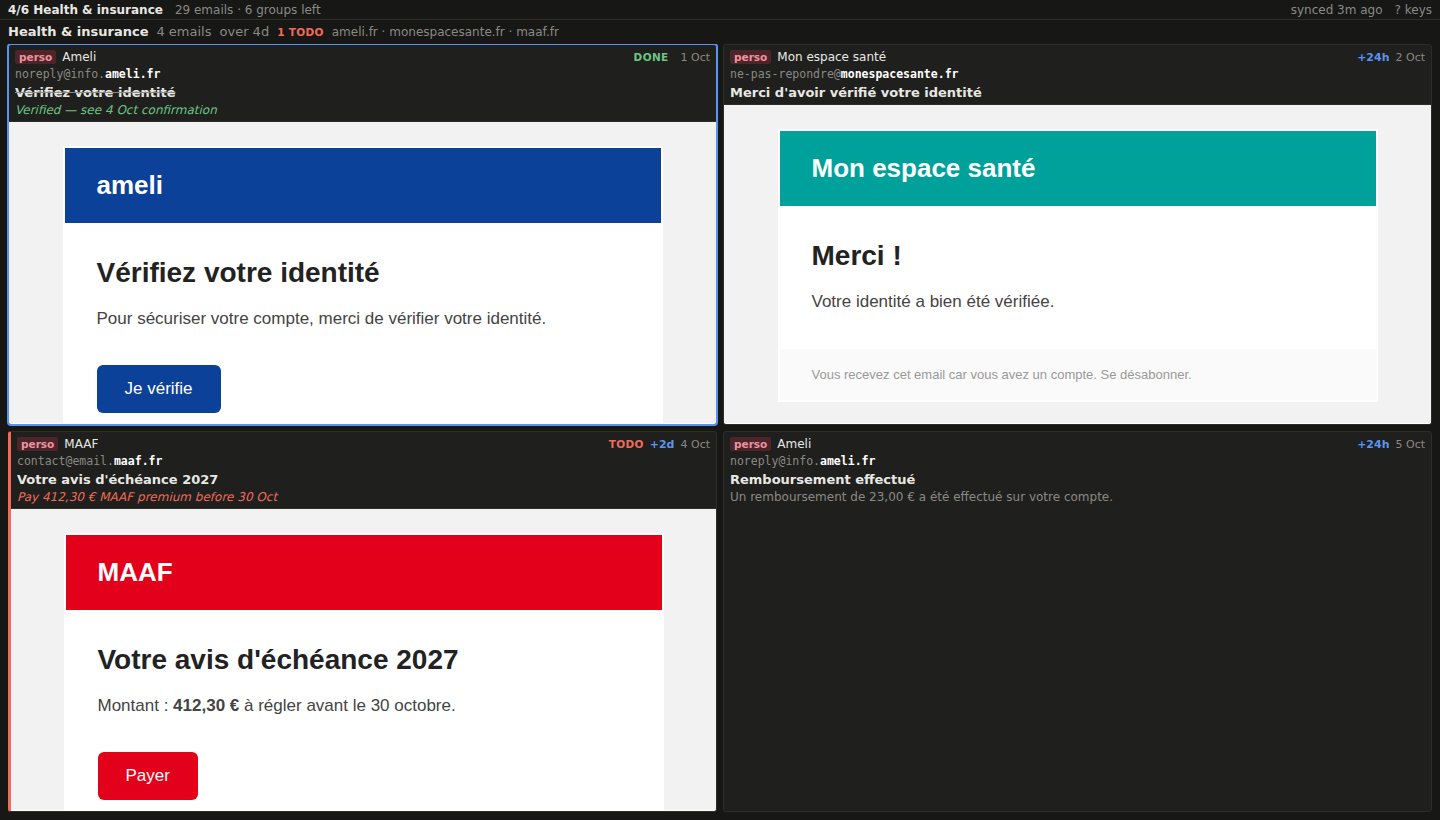
Then clear it with the keyboard
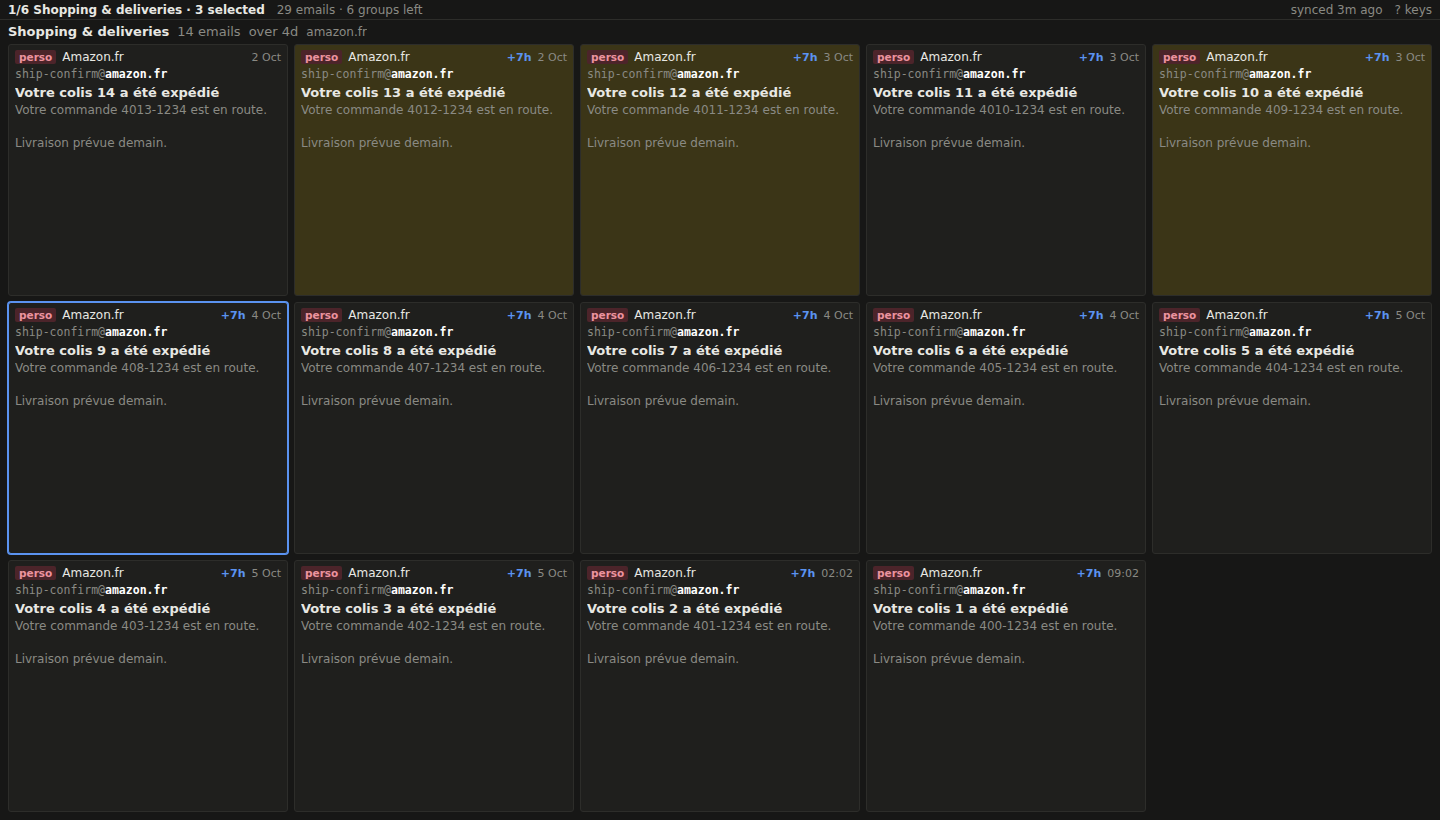
Because the AI has already sorted everything, triage is quick: read a group, archive it with one key, and move on. To-dos and pinned emails stay put. Every action is instant, and the matching move on your mail server happens in the background, so undo is instant too.
- a
- archive the group
- e
- archive one email
- z
- undo
- space
- skip the group for later
- t
- only the to-dos
- x
- select emails
- s
- pin
- S
- spam
- r
- reply
- n
- new email
- c
- chronological view
- ?
- every key
And also
-
Runs on your machine
cmail runs on your own computer, on localhost. Your mail stays on your mail servers. The only other thing it talks to is OpenAI, with your own API key.
-
Every AI call in the open
An AI usage page lists every request: what it was for, the model, and its tokens, with totals for the day, week and month.
-
Nothing is deleted
Archive moves an email to Archive, or takes the Inbox label off in Gmail, just like your usual client would. Spam goes to Junk.
-
Quiet previews
HTML emails show as screenshots taken once, with remote images and trackers blocked. Press i to load them when you want.
-
Write and reply
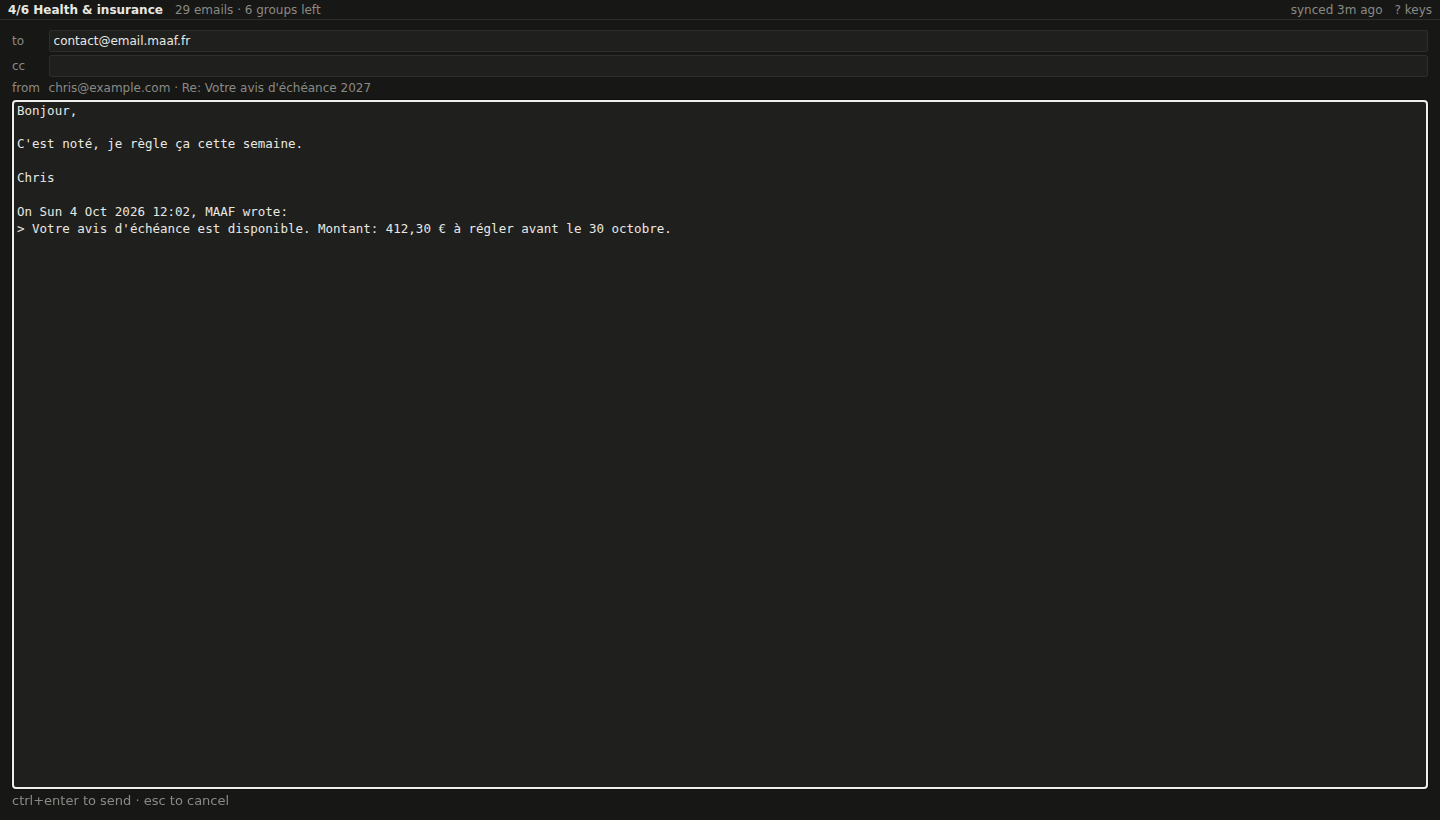
Rich text, attachments up to 25 MB, recipients suggested from your own mail, and replies that quote the original with its formatting.
-
Like a real app
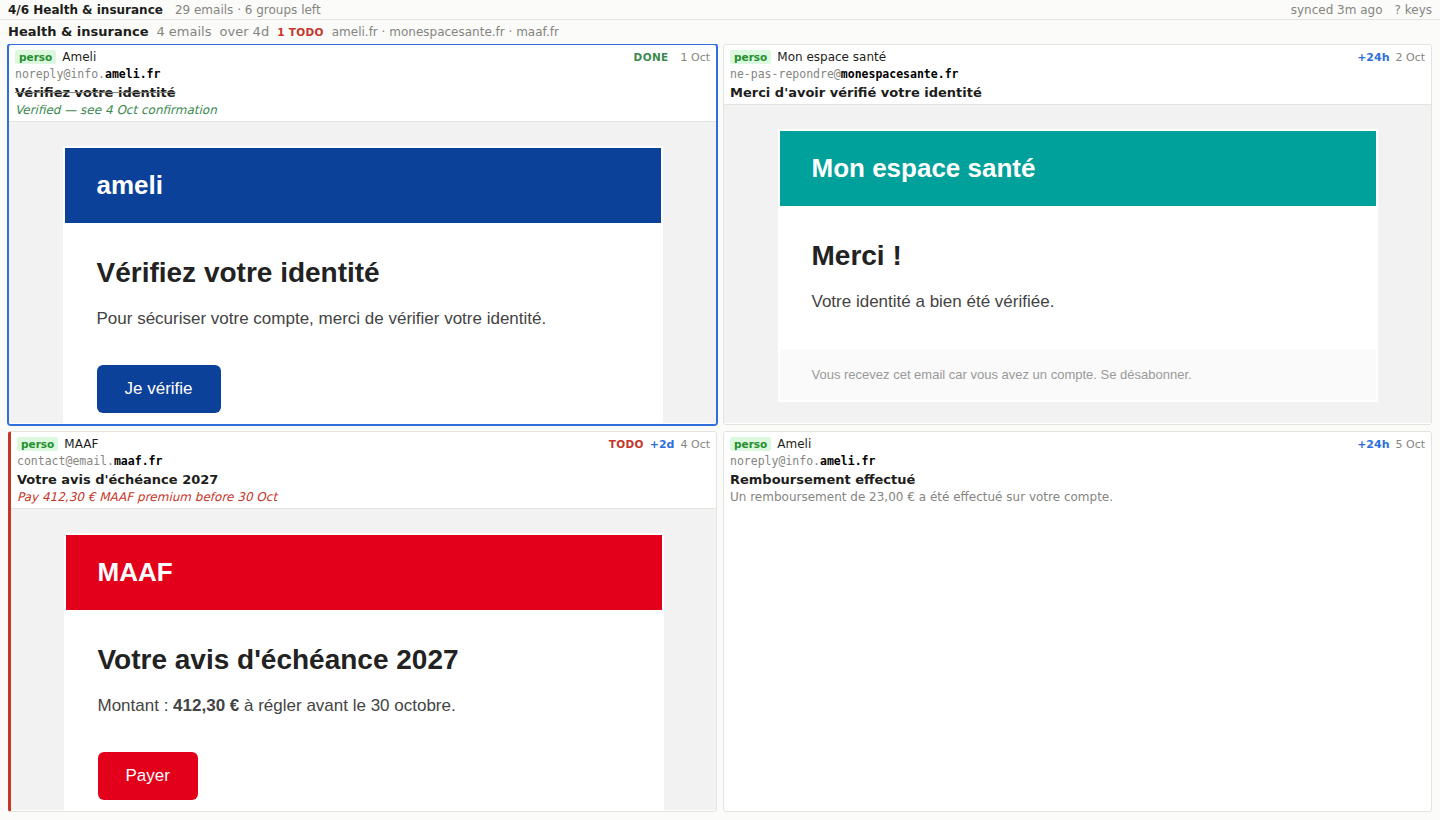
Install it from Chrome: the unread count shows on the Dock icon and new mail sends a notification. Dark or light theme.
Want it?
cmail isn't on any app store. Email me and you'll get it. You need a Mac or Linux machine and an OpenAI API key.
Reaching inbox zero gets you a party.